
First Cuemath Session: High School Tutoring Checklist
Preparing your teen for their first Cuemath high-school session is easy with the right setup. This checklist covers devices, study tools, and optional accessories to boost focus and learning.


Preparing your teen for their first Cuemath tutoring session doesn’t need to be complicated. High school math is more advanced than middle school, covering math subjects like Algebra II, Geometry, Trigonometry, and SAT-level problem-solving. Having the right setup from day one helps students stay focused, solve problems faster, and make the most of every minute.
In Cuemath’s personalized online program, students attend live high school math classes using digital tools, interactive whiteboards, and real-time teacher guidance. Since math classes in high school involve multi-step reasoning and deeper conceptual thinking, a simple but effective setup makes a big difference.
To help parents and students prepare, here’s a practical checklist for a smooth and productive first Cuemath session.
Key Takeaways
1. A Laptop or a tablet
2. Strong internet connection
3. Working microphone/earphones
4. Notebook + pencil/pen
5. Comfortable chair & table
6. Quiet, distraction-free study space
7. Optional: writing tablet
8. Optional: Scientific calculator (TI-84 / Casio fx-991ES)
9. Optional: Geometry tools (ruler, compass, protractor)
The Definitive Checklist for High School Math Success
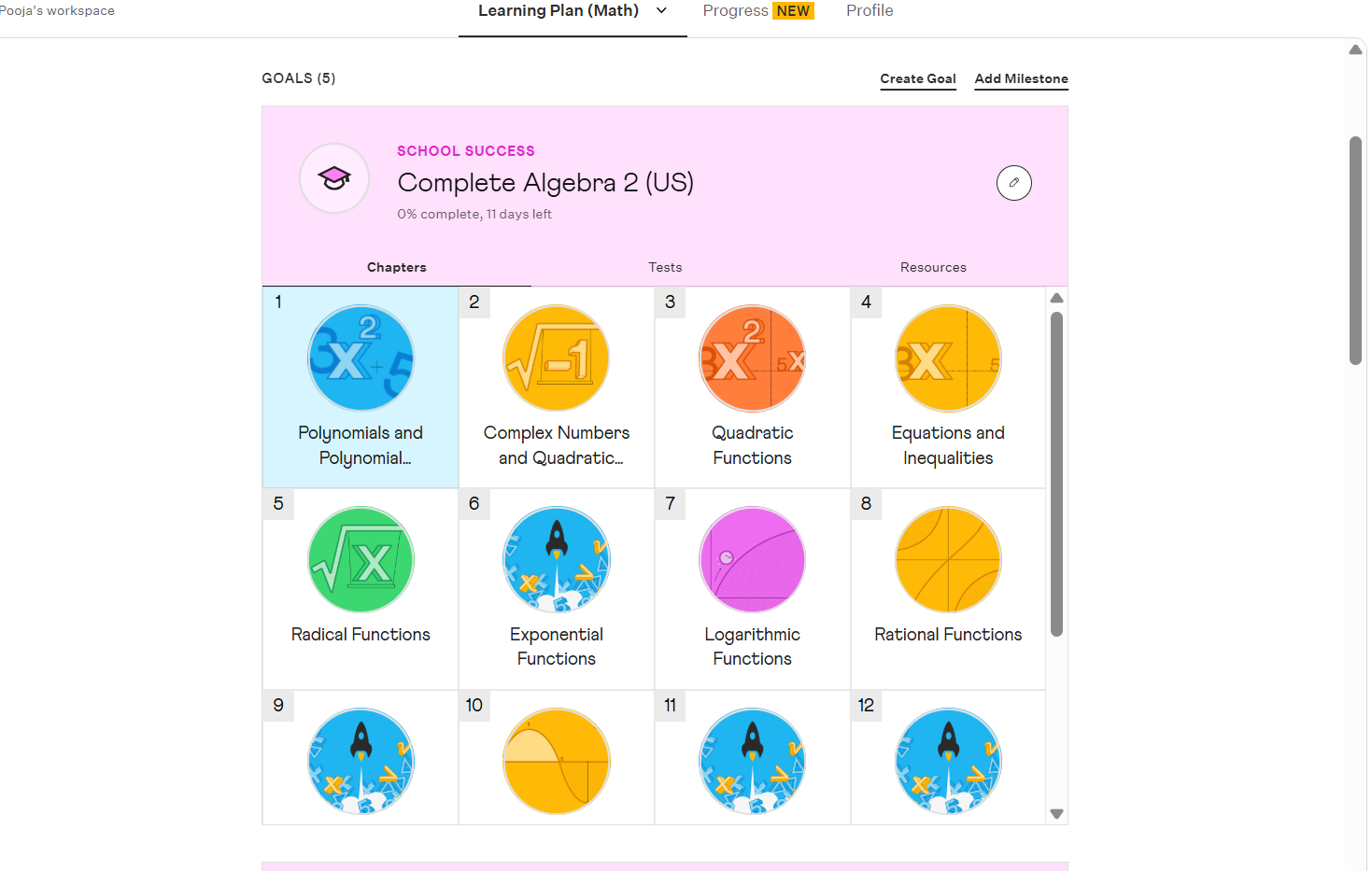
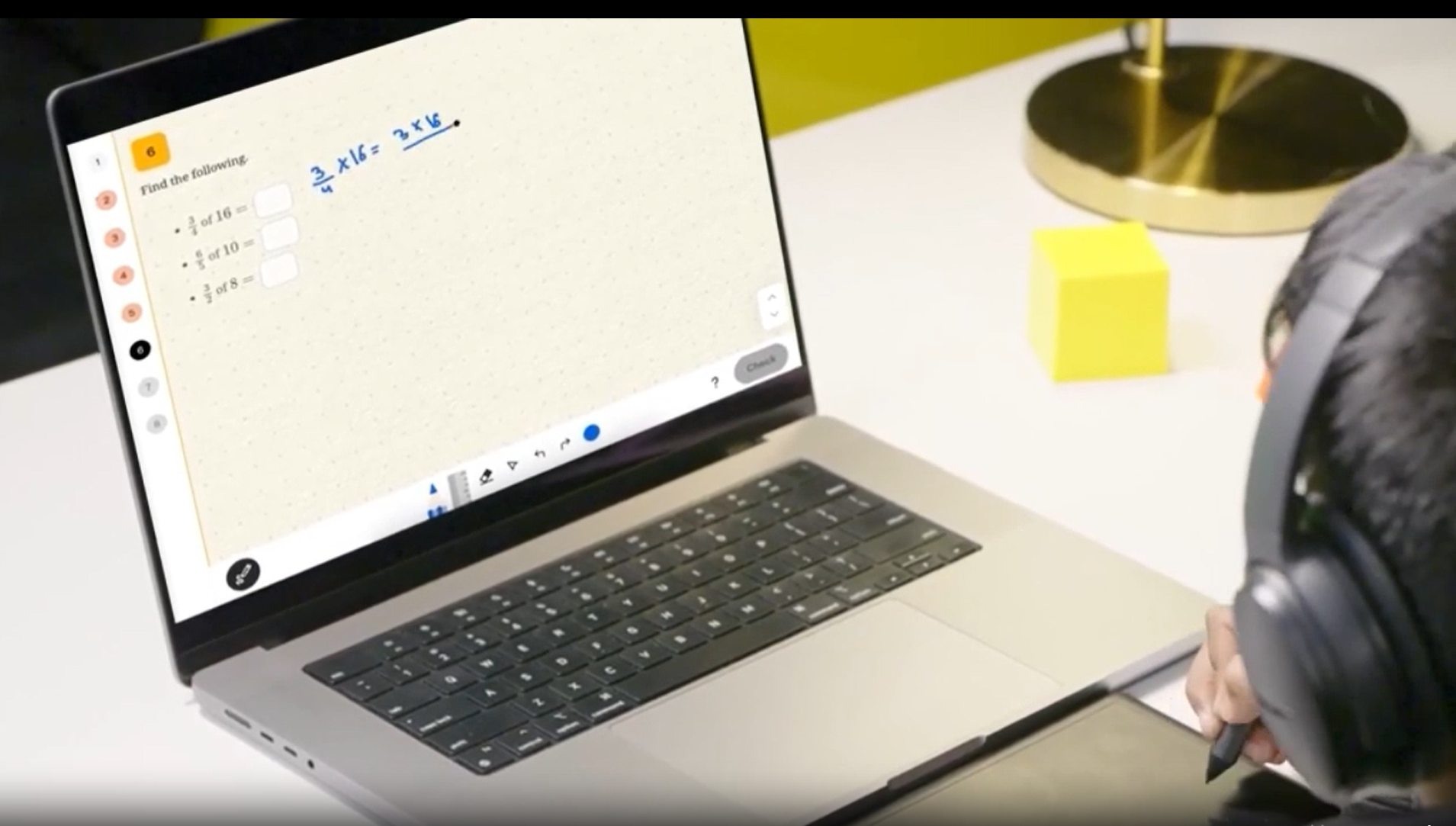
1️⃣ Laptop or Tablet, or iPad
Math courses in high school involve detailed graphs, step-by-step algebra, interactive problem-solving, and SAT-style reasoning.
A laptop or iPad provides:
- Larger screen clarity
- Smooth annotation
- Easy access to the Cuemath LEAP platform
- Better engagement and focus
Smartphones do not support live classes on the LEAP platform.
2️⃣Strong Internet Connection
A stable internet speed of at least 10–20 Mbps is recommended. This prevents lag during screen sharing, graph solving, and interactive learning—essential for advanced high school math levels.
3️⃣Working Microphone (Necessary for Real-Time Feedback)
Cuemath’s high school math tutoring is highly interactive. A clear microphone helps students:
- Explain their reasoning
- Ask questions confidently
- Discuss SAT or ACT problem-solving strategies
While a laptop mic works, earphones with a mic often provide better clarity and reduce background noise.
4️⃣ Notebook + Pencil (Non-negotiable, Even With Digital Tools)
Even with digital tools like the Cueboard, pen and paper are used in an online math class at Cuemath. Students often need to:
- Do rough calculations
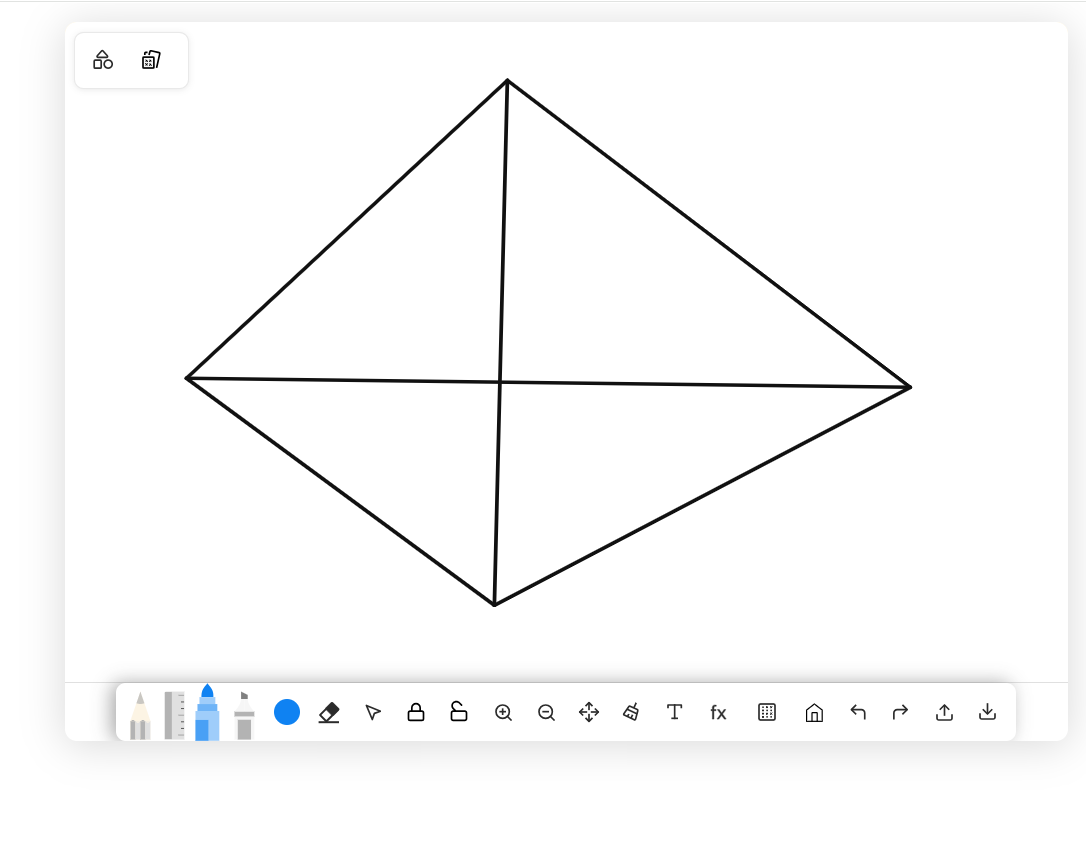
- Sketch graphs and trig diagrams
- Solve multi-step algebra problems
- Draft SAT-style solutions
- Try alternate approaches
Writing on paper improves speed, clarity, and exam readiness—especially since real exams don’t allow digital whiteboards. It also helps students interact more naturally with the teacher during live problem-solving.
5️⃣Comfortable Study Table & Chair
A supportive chair and stable table reduce fatigue and posture strain during 55-minute high school math classes, helping students stay attentive throughout the session.
6️⃣Quiet, Distraction-Free Study Space
Advanced math subjects and high school math levels require deep focus. Choose a space with:
- Minimal noise
- No TV or background movement
- No phone distractions
This directly improves accuracy, retention, and confidence during learning.
7️⃣Optional: Writing Tablet
A writing tablet is helpful for students who prefer digital writing, especially in visual math courses in high school like Geometry, Trigonometry, and Calculus.
8️⃣Optional Math Tools for Advanced Topics
For higher high school math levels, students may benefit from:
- A scientific calculator (TI-84, Casio fx-991ES, or SAT-approved models) for algebra, trigonometry, and graphing
- Geometry tools such as a ruler, compass, or protractor for construction-based topics
While Cuemath’s digital whiteboard includes built-in tools, physical tools can make diagrams clearer and problem-solving faster.
Conclusion:
With just a few essentials in place, your teen can step into their first Cuemath high-school session feeling confident and ready to learn. The right setup ensures they stay focused and make the most of every minute with their tutor.
Help your teen start strong in high school math!
❓ FAQs
1. Why does my teen need pen and paper if Cuemath has digital tools?
Even with Cuemath’s interactive whiteboard and digital math tools, pen and paper are essential for high school math. Rough work, graph sketches, multi-step algebra, and SAT-style problem solving are faster, clearer, and more efficient on paper. Since all the competitive exams (SAT, ACT, AP) require paper-based work, keeping a notebook and pen ready helps your teen build the same habits they’ll use in real tests.
2. Do high-school students really need a scientific calculator?
A scientific or SAT-approved calculator becomes extremely useful in advanced math—especially Algebra II, Trigonometry, Pre-Calculus, and standardized test prep. These calculators help with trigonometric functions, graph analysis, tables, and long computations. While not required for every Cuemath session, having one ensures your teen is ready for the topics where calculators are essential.
3. Are geometry tools needed for math online tutoring?
Yes, for specific chapters . Geometry tools like a ruler, compass, and protractor make constructions and angle measurements more accurate and easier to understand. Cuemath simulations do include digital geometry features, but physical tools help students grasp constructions better, especially during proofs, transformations, and coordinate geometry tasks.
4. Is a writing tablet mandatory for an online tutoring class?
No — a writing tablet is optional, but many high-schoolers find it helpful. It improves clarity when writing equations, plotting graphs, or showing steps in real time. If your teen is a visual or kinesthetic learner, a tablet can make the online learning experience smoother. But the class works perfectly even without it.
5. How soon will my teen see improvements in high school success after atten
Most high-school students show noticeable progress in 6–12 weeks, provided they consistently attend sessions and complete practice work. Cuemath's structured approach, real-time feedback, and personalised lesson plans help the student strengthen concepts, improve speed, and build exam confidence within the first few weeks.

About the Author
Neelima Kotamraju
Math & Science Educator| Writer — Cuemath
Turning confusion into curiosity, and curiosity into confident learning.
View My LinkedIn
Read more

NJSLA Grade 3 Level 5 in Math and ELA: How Curiosity Became Performance
Tarun scored 817 in Math and 821 in ELA on the NJSLA in Grade 3 - both at Performance Level 5. He has been learning with Cuemath since 2024. This is what happens when a child's natural love for numbers meets the right guidance.

14 Best Online Math Programs in the USA Loved by Parents (2026)
I compare 14 programs compared on curriculum, teaching quality, personalization, price, and real parent reviews, so you can make the right choice for your child.
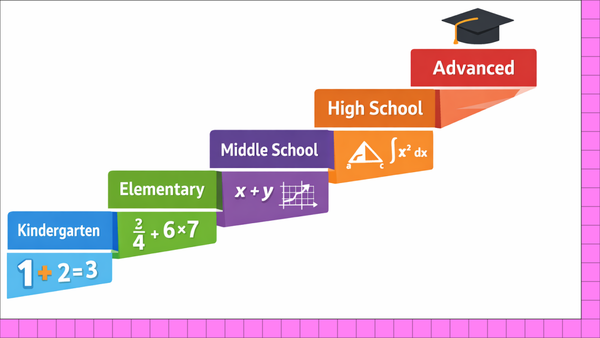
The Complete Math Curriculum Guide: What Students Learn From K–12
In this blog, I cover what a math curriculum is, how it progresses across grade levels, and the key concepts students learn from early number sense to advanced topics like algebra, geometry, and statistics.

7 Math Tips Cuemath Tutors Use to Help Middle Schoolers Improve Their Grades
How Cuemath Students in Grades 6, 7, and 8 Went From Struggling to Top 2%, Accelerated Programs, and Competition Rank 1.